Mobile Security in 2025: Is Your Phone the Weakest Link?

Think about what's on your phone right now: your email, your banking app, your client contacts, photos of documents, and very likely the codes that protect every other account you own. For most small business owners, the phone holds more of the business than the laptop does, and yet it's usually the device with the least protection on it.
That makes it a target. The good news is that the attacks worth worrying about are understandable, and the defences are simple. Here's what's actually happening in 2025 and what to do about it.
The threats worth knowing
AI-powered scam messages. Attackers now use AI to write phishing texts and emails that are personalised, well-written, and convincing, with none of the obvious spelling mistakes that used to give them away. A message that looks like it's from your bank, the ATO, or a supplier may be a fake designed to get you to tap a link and hand over a login.
SIM swapping. This is the one most people haven't heard of. An attacker convinces your mobile carrier to move your number to their SIM, usually by impersonating you. Once they control your number, any account protected by SMS codes is theirs, because the codes now go to them. It's the main reason text-message security codes are no longer good enough on their own.
Dodgy links and malicious sites. Tapping a bad link, sometimes without even opening a message, can be enough to compromise a phone through a flaw in a messaging app or browser. It's rare, but it's why keeping your phone updated matters.
Over-permissioned apps. Plenty of apps ask for far more access than they need. A torch app that wants your contacts and location is a red flag. Each unnecessary permission is data that can leak or be misused.
Public Wi-Fi. Free Wi-Fi at a cafe or airport can be watched by someone on the same network, or be an outright fake hotspot set up to capture what you do. Doing your banking on it is asking for trouble.
How to lock your phone down
None of this requires special skills, just a few habits.
Use an authenticator app, not SMS, for two-factor codes. Apps like Google Authenticator, Microsoft Authenticator, or Authy generate codes on the device itself, so a SIM swap can't intercept them. Switch your important accounts (email, banking, Microsoft 365 or Google) over to one.
Turn on automatic updates. Most phone hacks exploit known flaws that have already been patched. Auto-updating your operating system and apps closes those holes without you having to think about it.
Review your app permissions. Every few months, go through your settings and pull back anything an app doesn't genuinely need, especially location, contacts, microphone, and camera. Delete apps you don't use.
Be careful on public Wi-Fi. For anything sensitive, use your phone's own mobile data or personal hotspot instead. If you regularly work on public networks, a reputable VPN encrypts your connection so others on the network can't see your traffic.
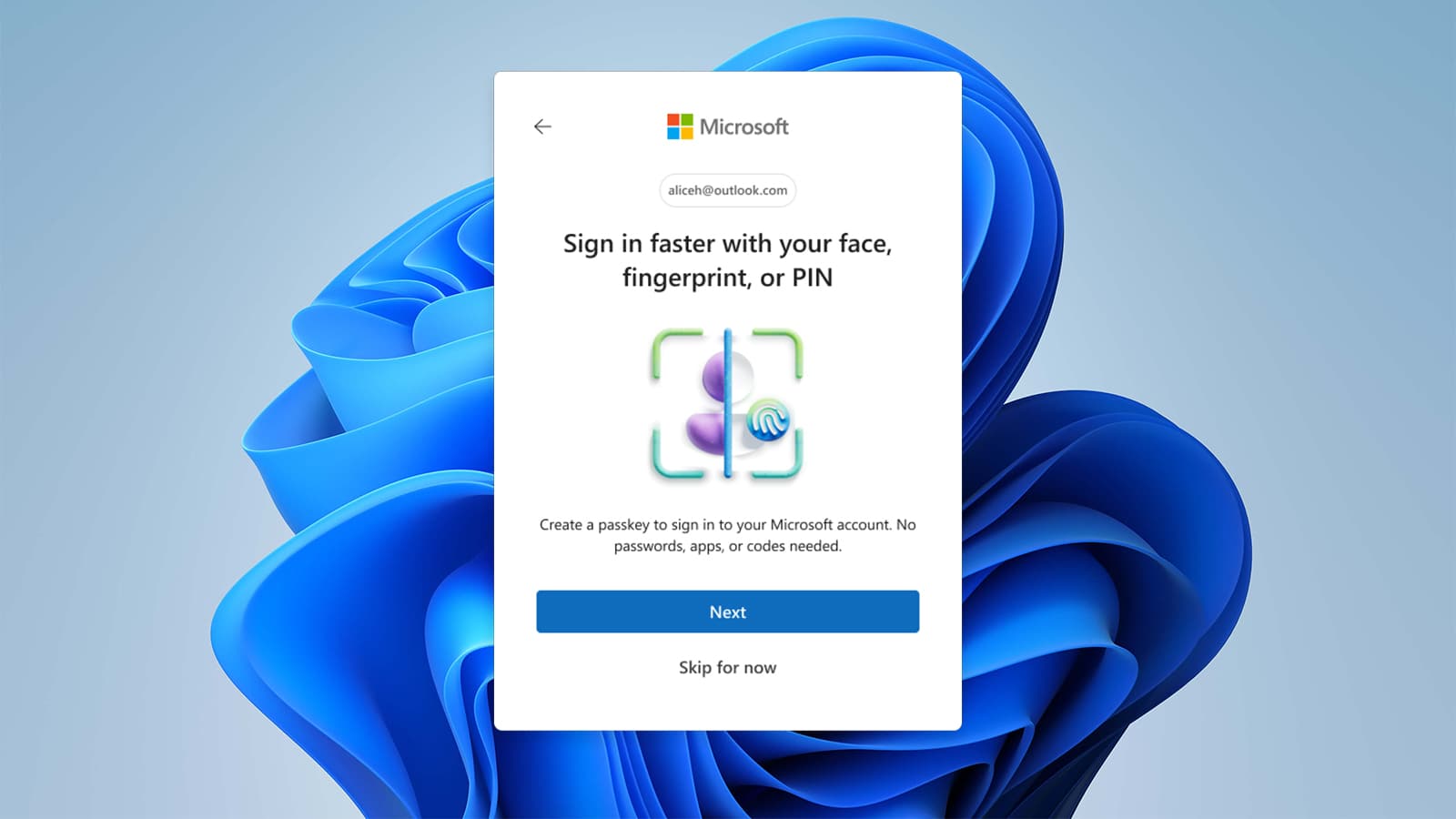
Lock the device properly. A strong PIN or passcode plus fingerprint or face unlock, and a short auto-lock time, means a lost or stolen phone doesn't hand over everything. Only install apps from the official App Store or Google Play.
A note for business phones
If your team uses personal phones for work email and files, which most small businesses do, it's worth a few simple ground rules: authenticator apps for work logins, a screen lock on any phone with business data, and prompt updates. For phones holding sensitive client information, mobile device management lets you enforce those basics and remotely wipe a device if it's lost. It sounds corporate, but it's increasingly sensible even for a small team.
A few habits cover most of the risk
Your phone is probably the most valuable and least guarded device you own. You don't need to become a security expert, you need an authenticator app instead of SMS codes, automatic updates switched on, tidy app permissions, and some care on public Wi-Fi. That handles the overwhelming majority of the risk.
If you'd like a hand making sure your phones, and the rest of your setup, are properly protected, that's exactly what we check in a free security review.