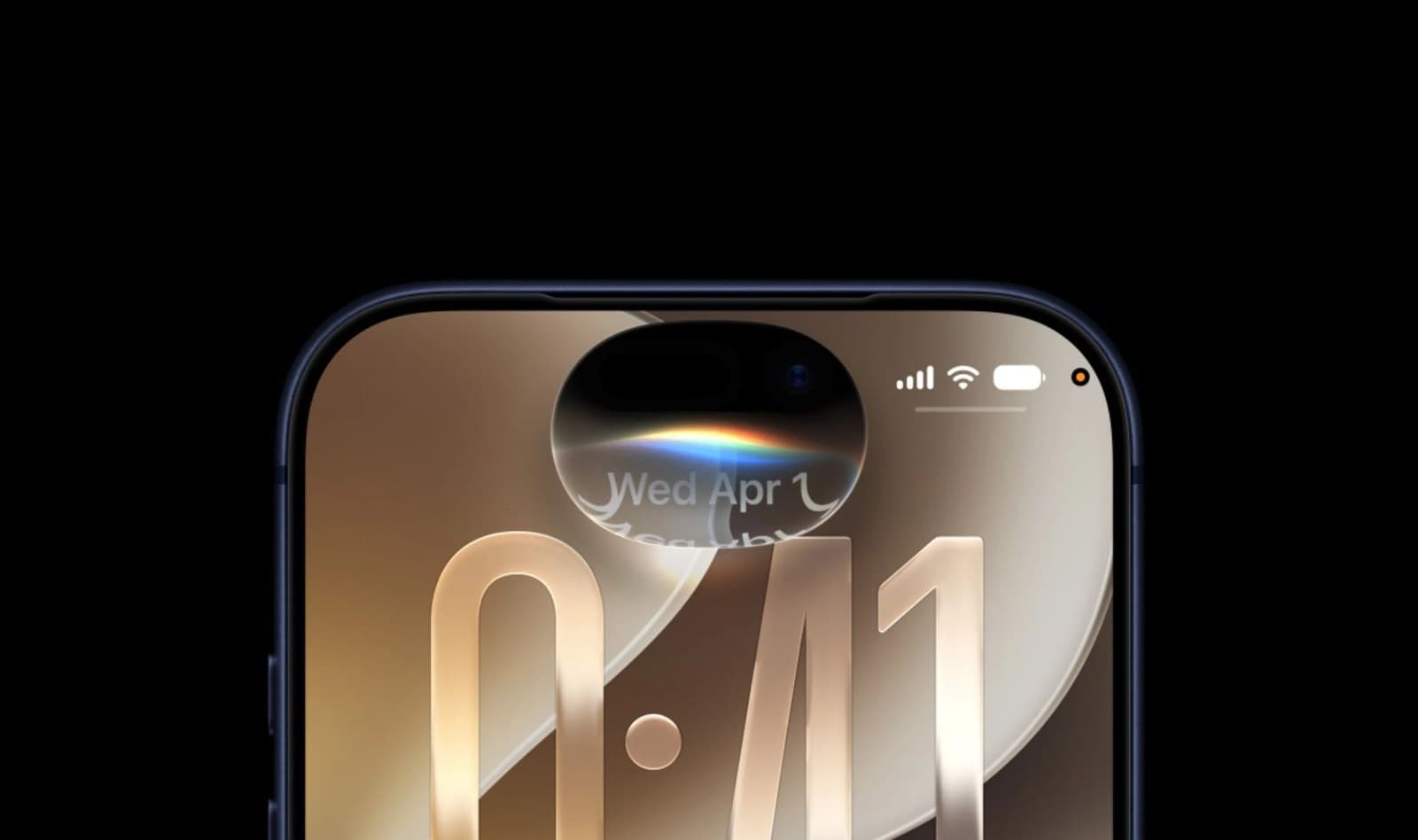
iPhone 18 Pro, iPhone Duo and iOS 27: What Changes for Perth Businesses
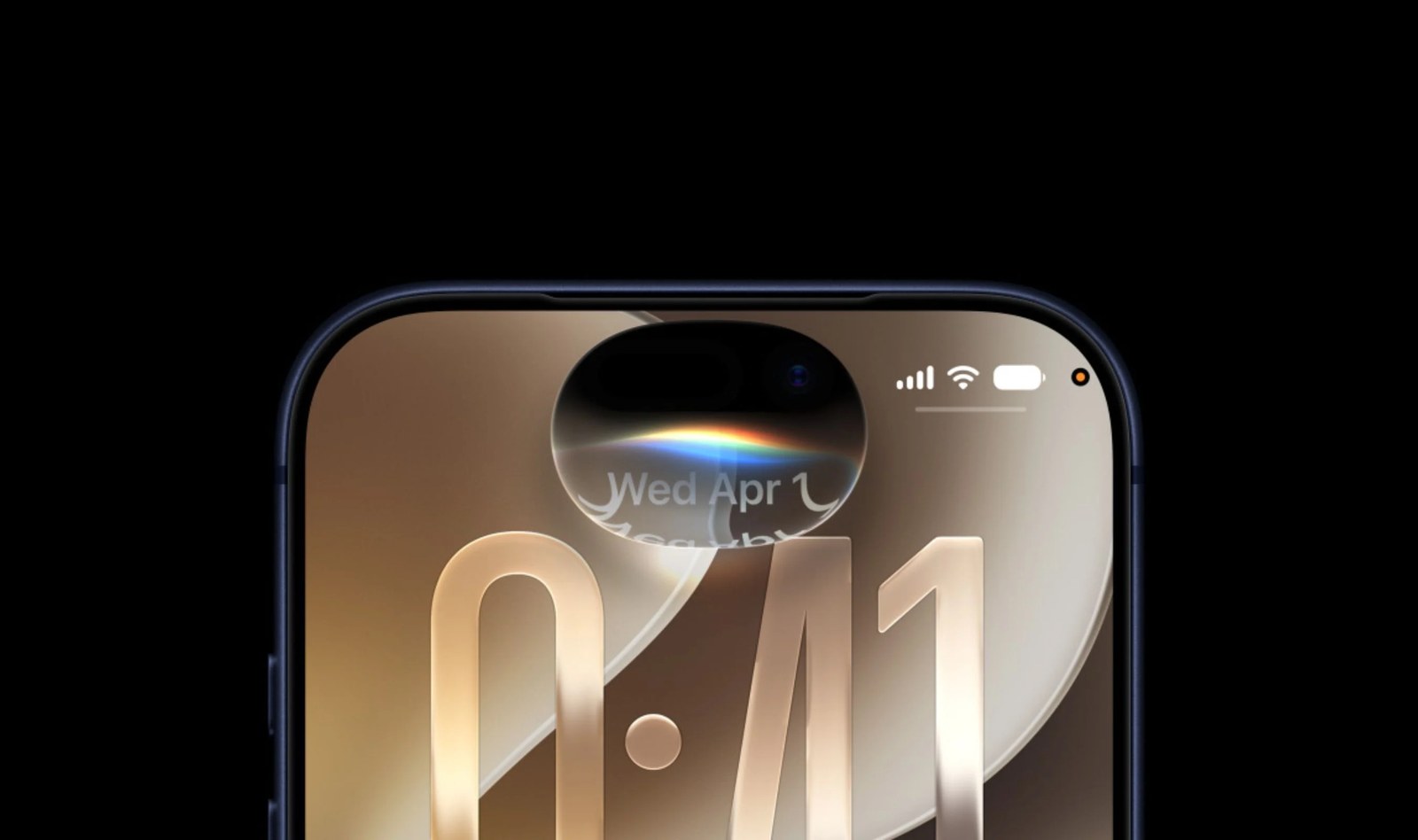
Apple has announced the iPhone 18 Pro and Pro Max, its first foldable phone (the iPhone Duo), and iOS 27, which brings a rebuilt Siri. The Pro models reach stores this Friday. The Duo follows in October. iOS 27 is already out and can go on the phones your team uses now, whether or not anyone buys new hardware.
Release dates
- iOS 27: out now as a free update (released Tuesday 15 September). Siri AI is rolling out with it as a beta, in English first.
- iPhone 18 Pro and 18 Pro Max: pre-orders opened 12 September. In stores Friday 18 September.
- iPhone Duo: pre-orders open Friday 16 October. In stores Friday 23 October.


From iPhone Duo, iPhone 18 Pro, and iPhone 18 Pro Max to Apple Watch Series 12, Apple Watch Ultra 4, and AirPods 5… here's a look at all of the latest announcements dropping today! #AppleEvent
Australian prices
| Model | Starting price (RRP inc. GST) | Available |
|---|---|---|
| iPhone 18 Pro | A$2,099 | 18 September |
| iPhone 18 Pro Max | A$2,299 | 18 September |
| iPhone Duo (foldable) | A$3,499 | 23 October |
Every model comes in 256GB, 512GB, 1TB and 2TB. Prices are from Apple's Australian newsroom. Apple also offers Afterpay on the Pro models in Australia, over 6, 12 or 24 months.
iPhone 18 Pro: battery and photo proof
Battery life
Apple quotes up to 34 hours of video playback on the 18 Pro and up to 43 hours on the Pro Max, and says the Pro charges to 50 per cent in about 15 minutes on a fast enough charger. Those are Apple's test figures, so expect less in daily use. Even so, if you spend the day between job sites with the phone running maps, calls and photos, this is the change you will feel.
Reference mode for job photos
The 18 Pro adds Reference mode (Apple calls the feature Apple Reference Image). It captures signed sensor data and produces a reference image that cannot be altered, so you can compare it against any edited copy. Apple pitches it at photojournalists and photographers. For a Perth business it fits before-and-after job photos, insurance claims, property condition reports and delivery damage. If a client or insurer questions whether a photo has been edited, you have the original to show them.
It is opt-in, so switch to Reference mode before you take the photo.
iOS 27 and the new Siri
Siri AI is the biggest software change. Apple says it can use personal context from your messages, email and photos, act on what is on screen, and draft text from a description. In practice that means asking for "the quote I sent the Smiths last week" instead of digging through Mail.
It is a beta, and Apple's fine print says some server-based features, Siri AI included, have daily usage limits, with paid "expanded access" planned. Try it, but do not move a business process onto it until the limits and pricing are known.
iPhone Duo: Touch ID, eSIM only and A$3,499
Closed, the Duo has a 5.4-inch screen. Open, it has a 7.6-inch inner display. It is the first iPhone with Split View, which runs two apps side by side, and Apple says Slack, Zoom and Netflix already have apps built for the fold.
Check two things before ordering one. It unlocks with Touch ID in the side button, not Face ID. And it is eSIM only in every country. Telstra, Optus and Vodafone support eSIM, but if your business phones are with a smaller provider, confirm it supports eSIM before you buy.
At A$3,499, most of the businesses we look after would get more from an 18 Pro and a laptop. The Duo suits someone who answers email and writes quotes on the road and carries an iPad to do it now.
Which phones to replace
- iPhone 14 or older: worth replacing, mainly for battery life and Siri AI. There is no rush on a 14, as Apple is giving iPhone 14, 15 and 16 owners another free year of satellite features.
- iPhone 16 or 17: keep it. Install iOS 27 and you get most of the new software for free.
- Interested in the Duo: wait for independent reviews after it ships on 23 October before buying one for work.
Before anyone installs iOS 27
- Back up each phone to iCloud or a computer, and check the backup actually finished.
- Check the apps you rely on. Point-of-sale, booking, banking and job management apps sometimes need an update after a major iOS release. Look at their release notes or support pages first.
- Update one work phone first. Use it for a couple of days, then update the rest.
- When moving to a new phone, transfer authenticator apps and passkeys before wiping the old one. This is the step people miss most often, and it is what locks them out of email and banking afterwards.
If you are replacing several phones at once, we can do the move for you: email, two-factor apps, contacts and work accounts, with the old phones wiped only once everything works on the new ones.