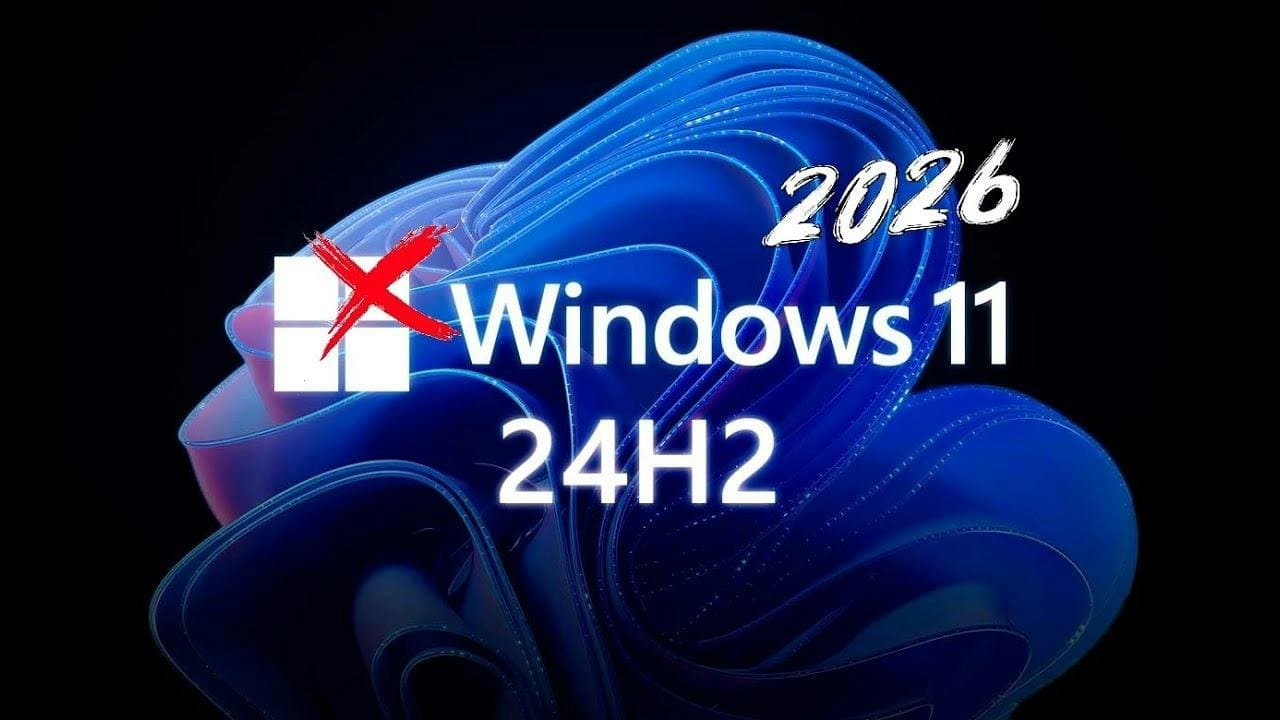
Windows 11 24H2 Has Stopped Getting Updates: How to Check Your PC
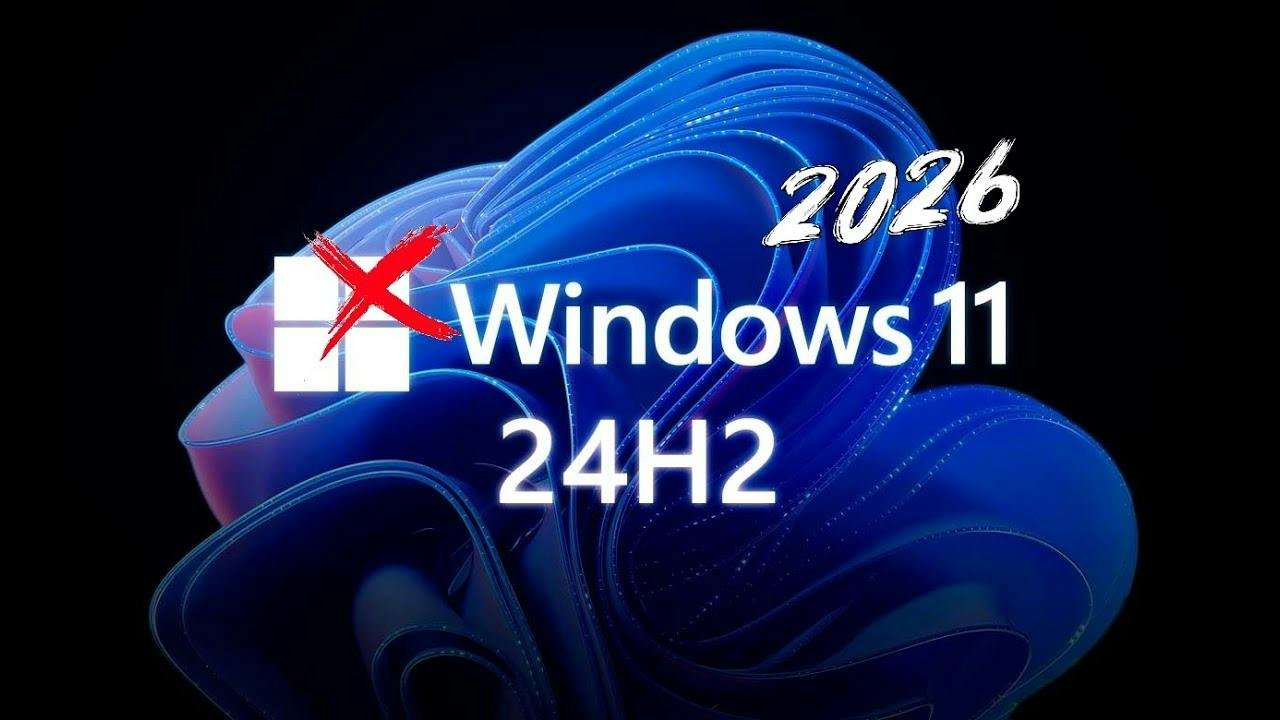
Windows 11 version 24H2 reached end of support for Home and Pro on 13 October 2026, and the October security update was the last one it will get. If your PC runs Windows 11 Home or Pro and nobody has checked its updates in a while, take 30 seconds to see which version it is on.
That final update also fixed a Windows flaw attackers were already using, as part of the biggest monthly patch release Microsoft has shipped. A 24H2 PC that installed October's update is covered for now, but it starts falling behind from November.
For most machines, moving to a supported version is free, quick and needs a single restart.
Why 24H2 stopped getting updates
Windows 11 gets one big feature update a year, and each one is supported for a set time. For Home and Pro, that is 24 months. Version 24H2 came out on 1 October 2024, so its time was up this month.
Microsoft's Windows 11 24H2 release health page says that as of 13 October 2026, devices running 24H2 Home and Pro "will no longer receive monthly security and non-security preview updates". Microsoft recommends moving to version 26H2 or 25H2 to keep getting them.


Reminder: Windows 11, version 24H2 Home and Pro, and Windows 10 Enterprise LTSB 2016, reach end of updates on October 13, 2026. Find out how stay supported and receive protections from the latest security threats: learn.microsoft.com/windows/releas…

Which editions and versions this covers:
- Pro is included. Most small businesses run Windows 11 Pro, so this is not just a home user problem.
- Enterprise and Education are different. Those editions of 24H2 stay supported until 12 October 2027.
- Version 23H2 Home and Pro had already run out. If you are on that, you are further behind again.
- This is not about Windows 10. Windows 10 is its own story, covered in our Windows 10 guide for Perth businesses. One update there: Microsoft quietly extended the free consumer Extended Security Updates program to 12 October 2027, as BleepingComputer reported in June.
October's update fixed a flaw already under attack
Microsoft releases security fixes on the second Tuesday of each month, which lands on Wednesday morning AWST here in Perth. October's release fixed more than 1,400 vulnerabilities, a record. BleepingComputer counted 1,411, and Malwarebytes put it at 1,413, depending on how you count. Microsoft has said that because it now uses AI to find and fix security holes, people should expect more fixes in each monthly update.
The one that matters most is tracked as CVE-2026-96951, a flaw in the Windows Shell that was already being exploited before the fix came out. It lets an attacker get around Mark of the Web, the warning Windows shows when you open a file that came from the internet. In plain English, a dodgy attachment or download could open without the "are you sure?" prompt that normally slows you down.
It still needs someone to open a file or click a link. That is exactly how most small business attacks start, usually with a convincing invoice or delivery email, which is why we keep banging on about it in our phishing guide.
Windows stays secure by patching holes like this every month. A PC that no longer gets updates keeps every hole found from now on.
Check your version in 30 seconds
Press the Windows key and R together, type winver, and press Enter. A small box pops up showing your version and build number. You can also find it under Settings, System, About.
Match the result to this table:
| What winver shows | What it means |
|---|---|
| Version 26H2 (build 26300) | Supported until 10 October 2028. You are good. |
| Version 25H2 (build 26200) | Supported until 12 October 2027. You are good for now. |
| Version 24H2 (build 26100) | No more updates for Home and Pro. Time to move. |
| Version 23H2 or older | Already out of support. Move as soon as you can. |
| Version 26H1 (build 28000) | Only on some new PCs from 2026. Supported, but on a separate path, so leave it be. |
If you look after more than one machine, check them all. The one that tends to get missed is the reception PC, the spare laptop in the cupboard, or the computer the kids use for homework.
How to move off 24H2
For most PCs this is a quick upgrade. Microsoft says 24H2, 25H2 and 26H2 share the same underlying code, so moving to 26H2 is a small "enablement package" rather than a full reinstall. In Microsoft's words, installation is "similar to a monthly update", with a small download and a single restart.
This walkthrough shows where everything is:
The steps:
1. Back up first. It is a small update, but a fresh backup is never a bad idea. Make sure OneDrive has finished syncing, or copy anything important to an external drive.
2. Install the latest monthly update. Go to Settings, Windows Update and click Check for updates. Install everything and restart. The 26H2 package needs the September 22 update (KB5124010) or later, so this step matters. October's update is KB5127648.
3. Turn on early updates. On the same Windows Update page, turn on Get the latest updates as soon as they're available. Microsoft offers 26H2 to these PCs first.
4. Download and install 26H2. Click Check for updates again. When the Windows 11 2026 Update appears, choose the option to download and install it, then restart when it asks.
5. If it does not show up yet, give it a few days. Microsoft is rolling 26H2 out gradually, and it holds the update back from PCs with known compatibility problems until they are fixed. Version 25H2 is also fully supported until October 2027. If your PC is still on 24H2 and nothing is offered after a few days, get someone to look at it.
Rolling it out across an office
If your business PCs are managed through Windows Autopatch or the Microsoft 365 admin center, 26H2 can be pushed out from there, and Microsoft recommends trying it on a couple of machines before rolling it out to everyone. That is good advice even for a five-person office. Do the owner's PC and one other, check that your accounting software, printers and any industry apps still behave, then do the rest.
Microsoft has also flagged that 26H2 eventually stops trusting some very old cross-signed drivers. That will not affect most offices, but if you run an ageing label printer, card reader or piece of specialist equipment, test it on one machine first.
If you would rather not chase it across every PC in the office, or one machine refuses to update, that is the kind of job we do for Perth homes and businesses. One visit, every PC checked and brought up to date, and updates set up so they keep coming.