
Still Running Windows 10? What Perth Businesses Need to Do Now
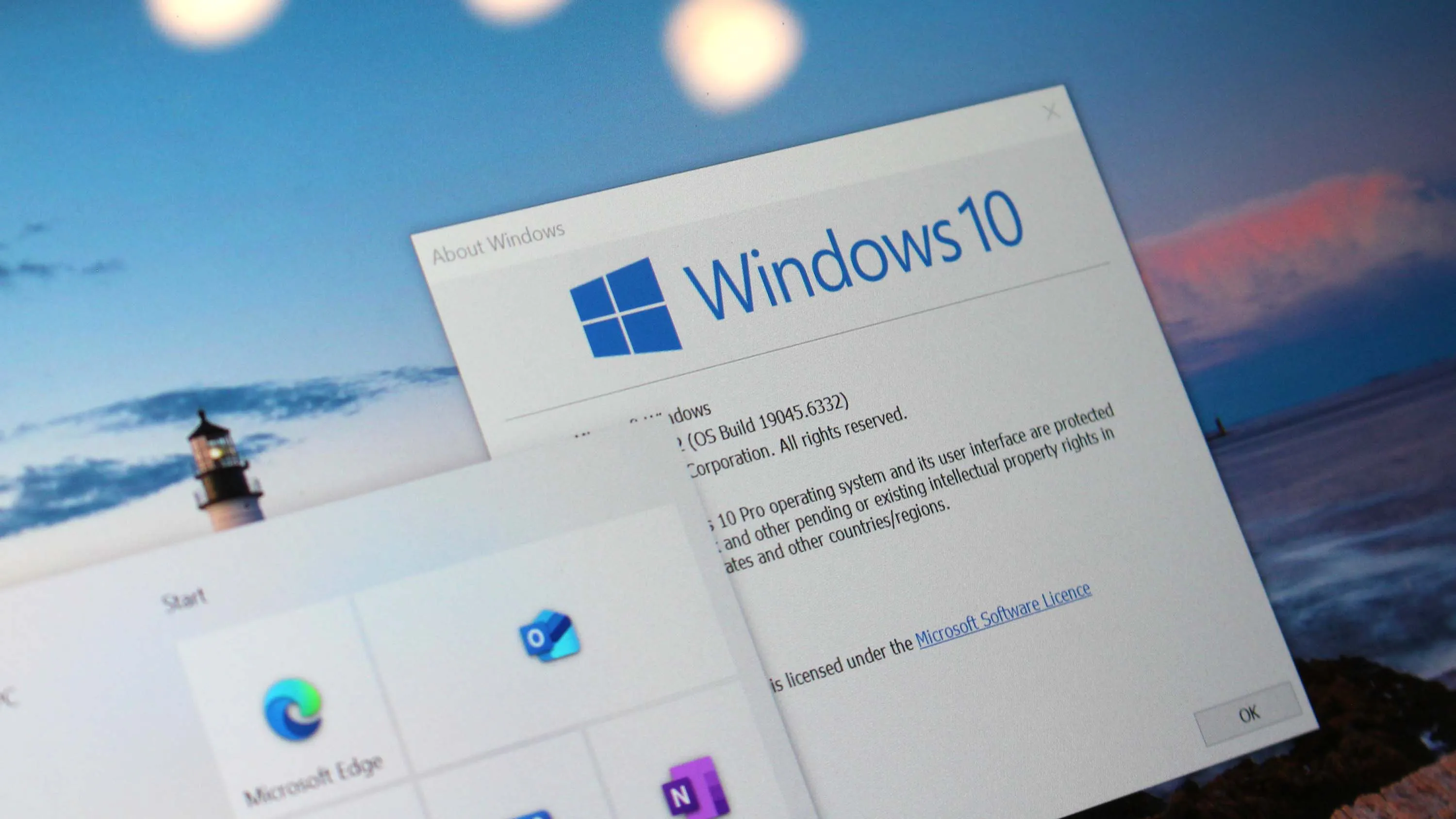
Windows 10 reached the end of its life on 14 October 2025. Microsoft did not switch it off, and your computers did not stop working that morning, which is exactly why so many businesses have quietly carried on as if nothing changed. Nearly a year later, plenty of Perth offices are still running it every day. That is the problem worth talking about, because the risk has been building quietly the whole time.
"End of support" does not mean it stops working
When Microsoft ends support for an operating system, the software keeps running. What stops is the stream of security updates that patch newly discovered holes. Every month that goes by, researchers and criminals find fresh vulnerabilities, and on a supported system those get fixed. On Windows 10, from October 2025 onward, they do not.
So an unsupported machine does not fail on day one. It slowly turns into a softer target. Attackers actively look for businesses running end-of-life software because they know the doors have been left unlocked. For a small business handling client data, payments, or email, that is not a theoretical worry, it is the exact profile of the companies getting breached.
- Oct 2021Windows 11 released
- Oct 2025Windows 10 support ended
- Oct 2027ESU program closes
- BeyondMove to Windows 11 or a new PC
You can buy time, but it is a stopgap
Microsoft knew millions of machines would not move in time, so it offers a paid safety net called Extended Security Updates. Once a device is enrolled, it goes back to receiving all the critical and important security updates released since support ended in October 2025, so it is patched against the serious stuff again. You can enrol any time before the program itself closes on 12 October 2027, and you can read the details on Microsoft's Extended Security Updates page.
Two things are worth being clear-eyed about. First, ESU only covers those critical and important security patches, not new features, bug fixes, or general support, so it keeps the machine safer without making it a modern, supported system again. Second, until you actually enrol, the device sits exposed, picking up none of those fixes and quietly getting more vulnerable to viruses and malware the longer it waits.
So the honest way to think about ESU is as breathing room, not a solution. If you have machines you genuinely cannot replace this quarter, enrolling them is far better than leaving them unpatched. But it is a stopgap that buys you time to plan a proper move, and the sensible play is to switch over sooner rather than lean on it and wait. The businesses that drift along on paid updates tend to still be putting off the same decision a year later, only with older hardware and a bigger bill.
Why not just upgrade to Windows 11?
For a lot of computers, that is the right answer and it is free. The catch is that Windows 11 has stricter hardware requirements than any Windows before it, including a security chip called TPM 2.0 and a fairly recent processor. Many perfectly healthy Windows 10 machines simply do not meet the bar, so the free upgrade never appears for them.
That leaves most businesses with a mix. Some machines will move to Windows 11 with a couple of clicks. Others are too old and need either replacement or a rethink. The only way to know which is which is to actually check each machine rather than assume.
If you are weighing the two main paths against each other, upgrading now or paying to stay on Windows 10 a while longer, here is how they compare at a glance.
| Consideration | Upgrade to Windows 11 | Stay on Windows 10 with ESU |
|---|---|---|
| What you get | A current, fully supported system | Critical and important security patches only |
| Cost | Free if the hardware qualifies | Paid per device, and a recurring one |
| New features | Yes, plus ongoing improvements | No, security fixes only |
| Hardware | Needs TPM 2.0 and a fairly recent processor | Runs on your existing machines |
| Best for | Machines that qualify, and the long run | Machines you genuinely cannot replace yet |
| How long it lasts | A long-term solution | A stopgap until the ESU program closes in October 2027 |
Your realistic options
Broadly, every Windows 10 machine in your business falls into one of a few buckets:
- Upgrade in place. The hardware supports Windows 11, so you move it across and carry on. This is the cheapest path and usually the right one.
- Replace the machine. It is too old for Windows 11 and probably slow anyway, so a new computer solves the security problem and the performance one at once.
- Pay for ESU as a bridge. You need the machine a while longer and cannot replace it yet, so you pay for updates to stay patched while you plan.
- Repurpose or retire it. An older machine that only runs a browser might be fine for a reception or back-office role, on Windows 11 if it qualifies or a lightweight alternative if it does not.
What to do this month
Start with a simple stocktake. Walk your business and note which machines are still on Windows 10, roughly how old each one is, and what it is actually used for. That single list turns a vague worry into a short, manageable to-do.
From there, the machines that can take Windows 11 should be upgraded, the ones that cannot need a decision, and anything you are keeping past its use-by date should at least be on paid updates so it stays patched. None of this is dramatic, but it does need to be deliberate. The businesses that get caught out are almost always the ones that kept meaning to sort it and never quite did.
If you would rather not work through it alone, this is exactly the sort of thing we handle for Perth businesses every week. We can check every machine, tell you plainly which ones move and which ones do not, and get you off the risk without overspending on kit you do not need.