
Microsoft Build 2026: The Coolest Things Announced (and What They Mean for Your Business)
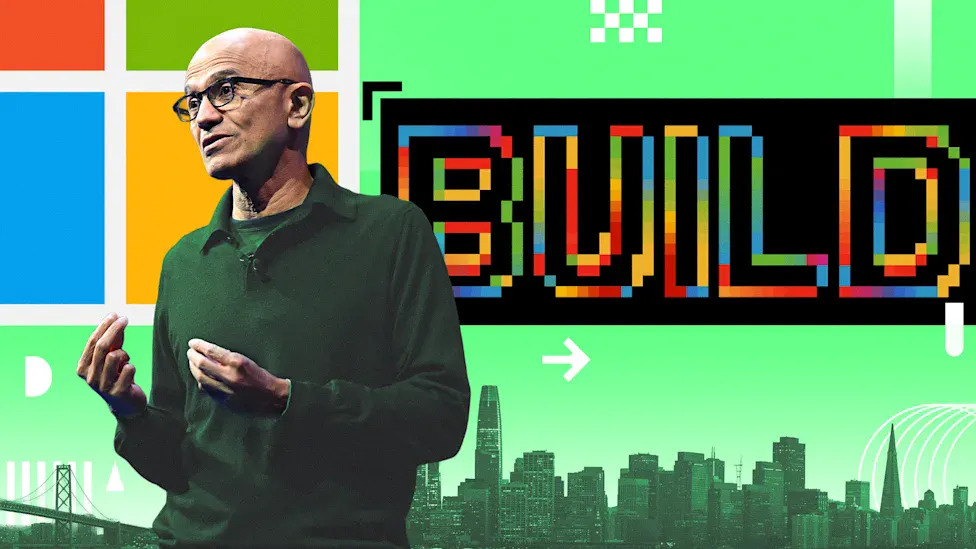
Microsoft's Build conference is aimed at developers, so it usually flies under the radar for the rest of us. But Build 2026 in May had a string of genuinely interesting announcements, from a quantum-computing milestone to AI that runs tasks on its own. Most of it is not something you need to act on tomorrow, but it is worth knowing where things are heading. Here is a plain-English rundown of the highlights, and a quick note on what each one means for an everyday business.
A "dream machine" for AI developers
Microsoft unveiled the Surface RTX Spark Dev Box, a powerful new machine built to "max the compute, max the memory" for the people building AI. Satya Nadella framed it as the PC evolving "from a personal computer to a personal AI." It was announced alongside new RTX Spark-powered Windows PCs, off the back of a deepening partnership with chipmaker Nvidia. It is all serious kit aimed squarely at developers and AI builders, not the average office desk. For most businesses it is a signal of the direction things are heading, rather than something to go and buy.
AI agents that do the work for you
One of the bigger themes was "Autopilots": autonomous AI agents that carry out long-running, multi-step tasks on their own, with enterprise-grade controls, running inside an organisation's own systems. Think less "a chatbot you ask questions" and more "a piece of software that quietly gets on with a job for you." The first example, called Scout, watches a Microsoft 365 inbox and Teams chats for things that need doing. For now this is squarely aimed at larger organisations and developers, but it points clearly at where business software is heading: from tools you operate towards assistants that operate themselves.
Seven new AI models
Microsoft announced a family of seven new AI models spanning images, voice, transcription, and coding. These are the engines that quietly power features inside the apps you already use. The practical upshot for most people is simple: the AI built into Windows and Office keeps getting more capable in the background, without you having to do anything.
A quantum-computing leap
The most futuristic announcement was Majorana 2, Microsoft's latest quantum-computing chip. It dramatically extends how long its building blocks stay stable, by roughly a thousand times compared with the first Majorana chip we covered last year. Quantum computing is still years away from touching everyday business, but milestones like this are how the industry gets there, and it is a genuinely exciting bit of science to see progress on.

What it actually means for your business
Most of Build 2026 is frontier and enterprise territory, so there is no need to rush out and change anything. The part that genuinely touches a small business is the steady stream of AI improvements arriving in Windows 11 and Microsoft 365: the Copilot features that help draft emails, summarise long documents, and find files using plain language rather than exact file names. A few of the announcements land here directly, with Microsoft's new image generator rolling into apps like PowerPoint and some of the new AI models starting to ship inside Windows itself. Those features are available now on reasonably current machines, and they are worth switching on.
The bigger takeaway is direction. AI is becoming a standard part of the tools you already pay for, and "agents that do tasks for you" is clearly where things are heading over the next few years. You do not need to chase every announcement to keep up. Keep your systems current, make use of the AI you already have, and bring in new tools when they solve a real problem rather than because of a keynote. If you would like a hand working out which of these developments are genuinely worth your attention, that is exactly the kind of plain-English advice we give Perth businesses every week.


