That "I'm Not a Robot" Check Asking You to Press Windows + R Is a Scam
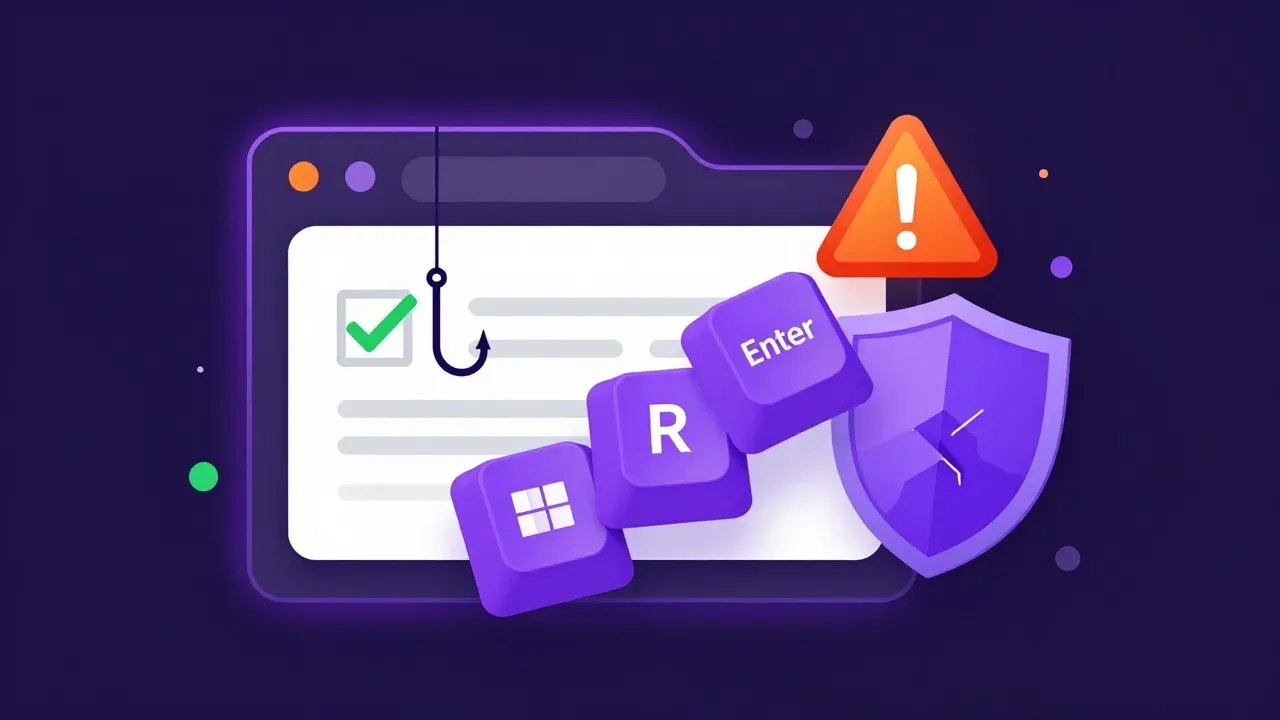
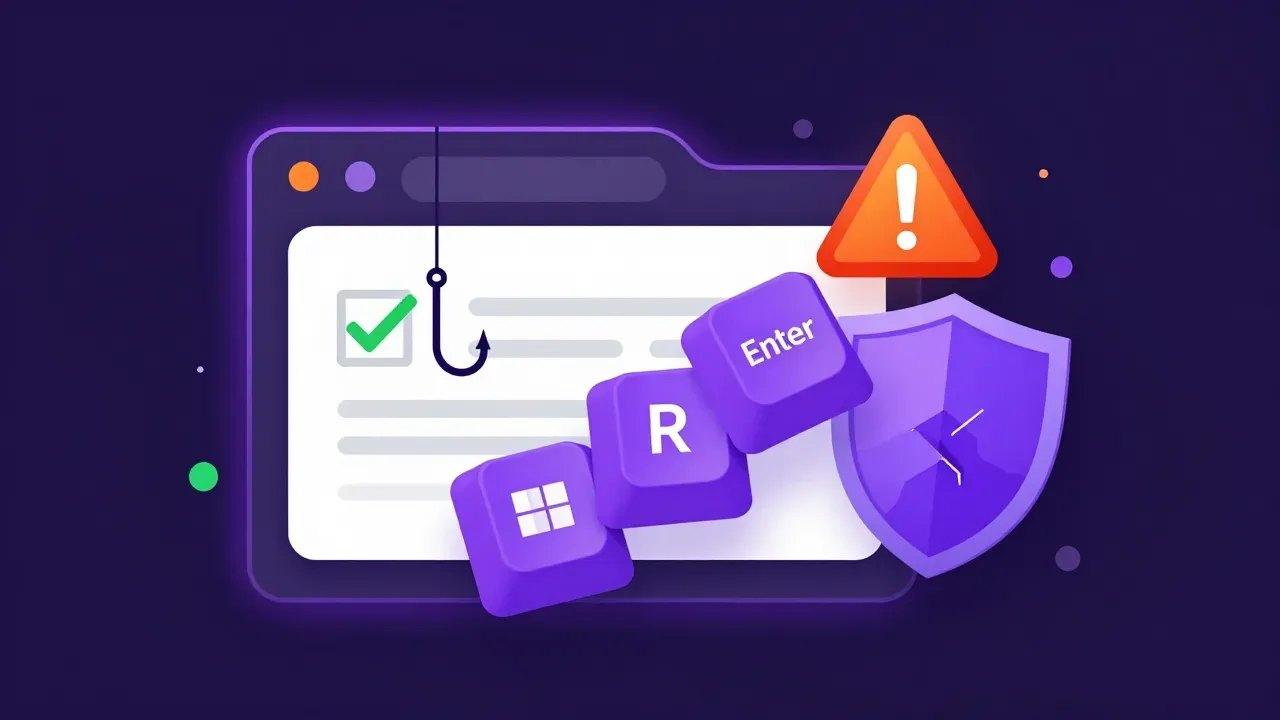
You land on a website, maybe a shop you were recommended or a page you found while Christmas shopping, and a box pops up asking you to prove you're human. You tick "I'm not a robot". Then it asks for something new: press the Windows key and R, press Ctrl and V, then press Enter.
Don't. That is not a CAPTCHA. It is a scam called ClickFix, and those three key presses run a hidden command that installs malware on your computer. You do the attacker's work for them.
It is worth knowing about now for two reasons. Security researchers say it has become one of the most common ways malware gets onto home and work PCs, and Australia's cyber agency says the fake checks are turning up on the websites of real Australian businesses.
How the fake check works
The Guardian ran a warning about the scam on Sunday 15 November, built around the same Christmas shopping example. The lure it quotes reads: "To better prove you are not a robot, please: Press & hold the Windows Key + R. In the verification windows, press Ctrl + V. Press Enter on your keyboard to finish."
Here is what is actually happening behind each step:
- Ticking the box quietly copies a command to your clipboard. You don't see it.
- Windows key + R opens the Run box, a small Windows tool for launching programs. Most people never use it, which is exactly why it is chosen.
- Ctrl + V pastes the hidden command into the Run box.
- Enter runs it. The command downloads and starts the malware.
Chris Fistonich, a researcher at Malwarebytes, told The Guardian: "This is the most popular way to get malware on to your computer. Certainly not the only way, but today it is definitely the most popular."
Some versions skip the CAPTCHA and claim "something went wrong when displaying this webpage", with the same keyboard "fix". On a Mac, the steps ask you to open Terminal and paste instead. Microsoft's analysis of ClickFix describes fake Cloudflare checks, fake Google Meet and Word errors, and campaigns hitting "thousands of enterprise and end-user devices globally every day". Microsoft first saw the trick in email campaigns in 2024, and it has kept spreading since.
Microsoft's own security team made a short video showing how it caught one of these attacks at a business:
Why the usual "don't click dodgy links" advice doesn't cover it
Most of us have learnt to be wary of strange emails and attachments. ClickFix gets around that in two ways.
First, it can appear on a site you trust. ASD's Australian Cyber Security Centre published an advisory on ClickFix this year saying that since early 2026 it has seen attacks against Australian networks "using websites belonging to legitimate Australian businesses". Attackers break into a WordPress site, inject code that overwrites the real page with a fake Cloudflare check, and wait for visitors.
 Australian Signals Directorate@ASDGovAuView on X
ClickFix activity is targeting Australian organisations using compromised WordPress sites to deliver Vidar Stealer malware. Fake CAPTCHA prompts trick users to run malicious commands, leading to data theft. Read our advisory to reduce your risk 👉 cyber.gov.au/about-us/view-…
Second, you run the command yourself, so there is no suspicious download for your security software to stop first. The ACSC says this "bypasses some preventative security controls". The malware in its advisory, Vidar Stealer, goes after saved passwords, browser data and cryptocurrency wallets, then deletes its own installer and runs in memory to make it harder to find.
The lures also keep changing. Last week Help Net Security reported on fake Zillow apartment review pages that used the same three-key trick to install remote control software, which starts back up every time the user logs in. Zillow is a US property site, but the security researcher quoted thinks the links were most likely sent by a fake landlord or agent asking renters to "check the reviews" first. Anyone hunting for a rental in Perth should treat a "verify before the viewing" link the same way.
How to spot it
The rule is simple enough to tell your whole family or your whole team:
No real website, CAPTCHA, error message or support person will ever ask you to press keys, paste something and press Enter.
A genuine CAPTCHA keeps everything inside the web page. You tick a box, pick out pictures of buses, or type some wobbly letters. If a page asks you to open the Run box, PowerShell, Command Prompt or Terminal, close the tab. It doesn't matter how familiar the site is or how official the check looks.
If you ticked the box but didn't press Enter, you're fine. The command only sits on your clipboard until you run it. Close the tab, copy any ordinary text to replace what's on the clipboard, and let the site owner know if it was a business you deal with. They may have no idea their site has been hacked.
If you already pressed Enter
Act straight away, but don't panic. In order:
- Disconnect the computer from the internet. Unplug the network cable or turn off Wi-Fi. This stops the malware sending more of your data out.
- Use a different device to change your passwords. Start with your email, then banking, then everything else. Do it from your phone or another computer, not the affected one. Where you can, choose "sign out of all devices" as well, because these stealers take saved logins and browser data, not just passwords.
- Call your bank. The Guardian's advice is to contact your bank immediately if you think you've been compromised. Ask them to watch for unusual transactions.
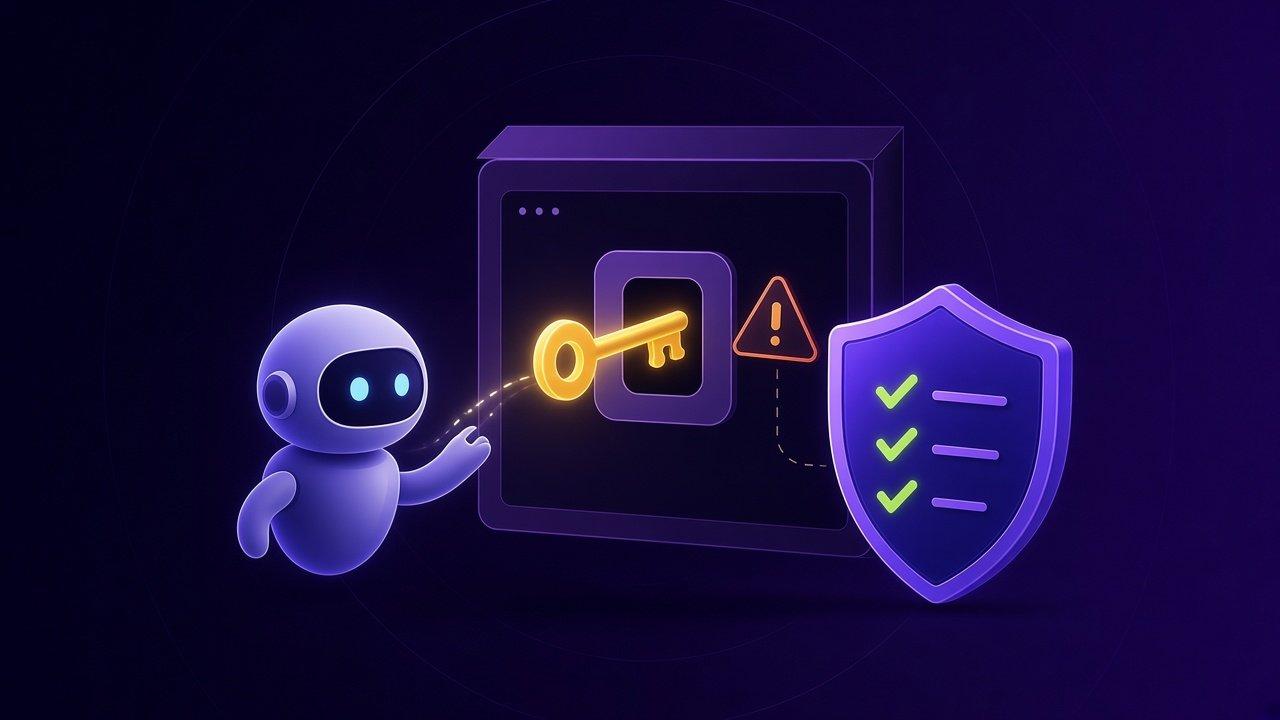
- Turn on multi-factor authentication for any account that doesn't already have it. Passkeys are even better. We covered setting up passkeys for Microsoft 365 recently.
- Get the computer checked properly. A quick antivirus scan is not enough to be confident, because these tools are built to hide. In many cases the safest fix is backing up your documents and reinstalling Windows.
- Report it. Businesses and individuals can report to the ACSC through ReportCyber, or call the Australian Cyber Security Hotline on 1300 CYBER1 (1300 292 371). If personal details may have been taken, IDCARE offers free help on 1800 595 160.
Setting up your business so one click can't do this
A few changes take a lot of the risk out of ClickFix for a small office.
Turn off the Run box for staff who don't need it. Microsoft's own advice is to disable it with Group Policy if people don't use it day to day. The setting is "Remove Run menu from Start Menu", and it also stops Windows key + R. Most office staff will never notice it's gone.
Don't let everyday accounts be admins. The ACSC advisory notes that some lures ask users to run the command with administrator rights. Staff who work on a standard account can't hand over the whole machine with one paste.
Use browser and DNS protection. Microsoft says its Defender SmartScreen in Edge warns users when they hit a known ClickFix page, and the ACSC recommends protective DNS services that block known malicious domains. Neither catches everything, but both help.
Add the rule to your scam training. One sentence at the next team catch-up is enough: if a website asks you to paste and press Enter, close it and tell someone. Our article on phishing scams hitting Perth small businesses has more habits worth sharing.
Check your own website too
This is the part most Perth business owners won't have thought about. If your website runs on WordPress and has fallen behind on updates, it could be the one showing fake checks to your customers.
The ACSC's advice for website owners is to keep WordPress, plugins and themes patched, and to remove plugins and themes you no longer use. Microsoft Threat Intelligence has been tracking hacked sites doing exactly this, and in October it described a cluster of compromised websites that quietly load the malicious script into visitors' browsers ahead of time, so the command they are asked to paste can stay short and innocent-looking.
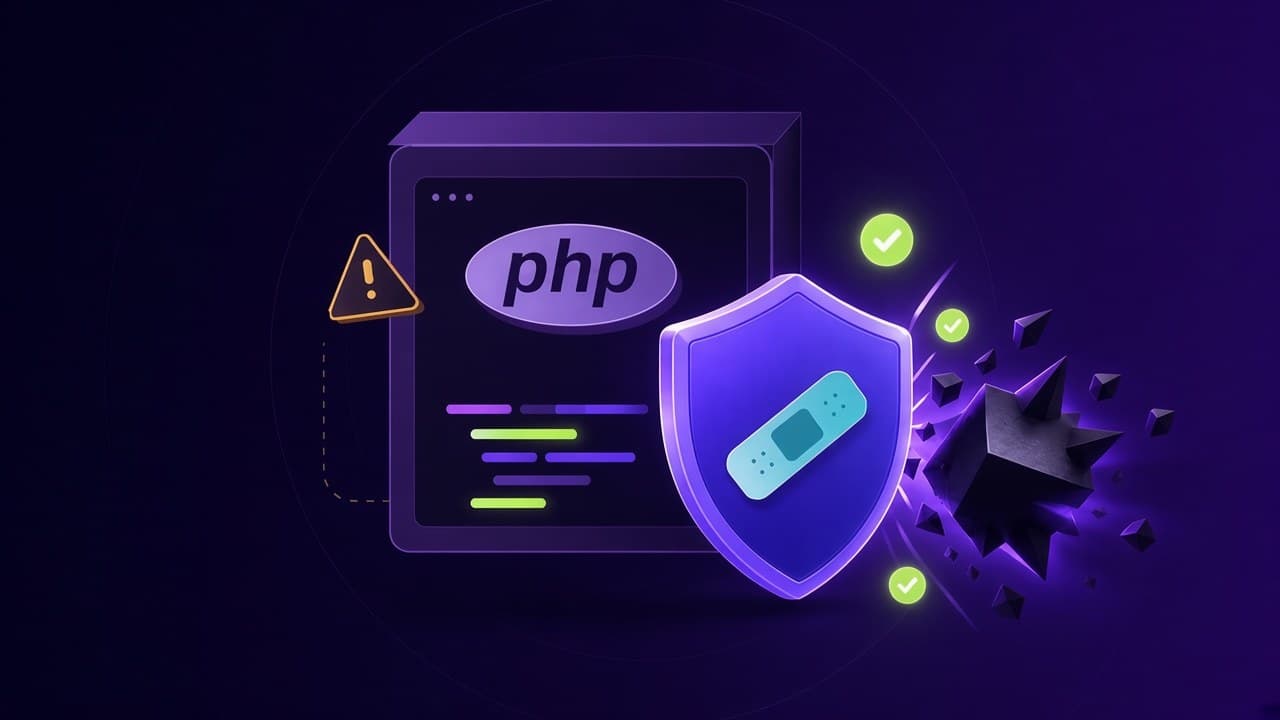
Visit your own site from a private browser window every so often and look at it the way a customer would. If you ever see a verification box you didn't add, or hear from a customer that your site asked them to "press Windows and R", treat it as a hacked site and get it looked at the same day. We wrote about keeping WordPress hosting patched in our PHP2Shell article, and the same checklist applies here.
We can help
ClickFix works because it looks routine and takes five seconds. The fix is mostly a habit, plus a few settings most small businesses never get around to. If you've pressed Enter on one of these and want your PC and accounts checked, or you'd like the Run box turned off for your team and your WordPress site patched and backed up, get in touch with Tech Hero. We work with small businesses and home users across Perth and WA.