Using E-Signatures to Improve Customer Experience
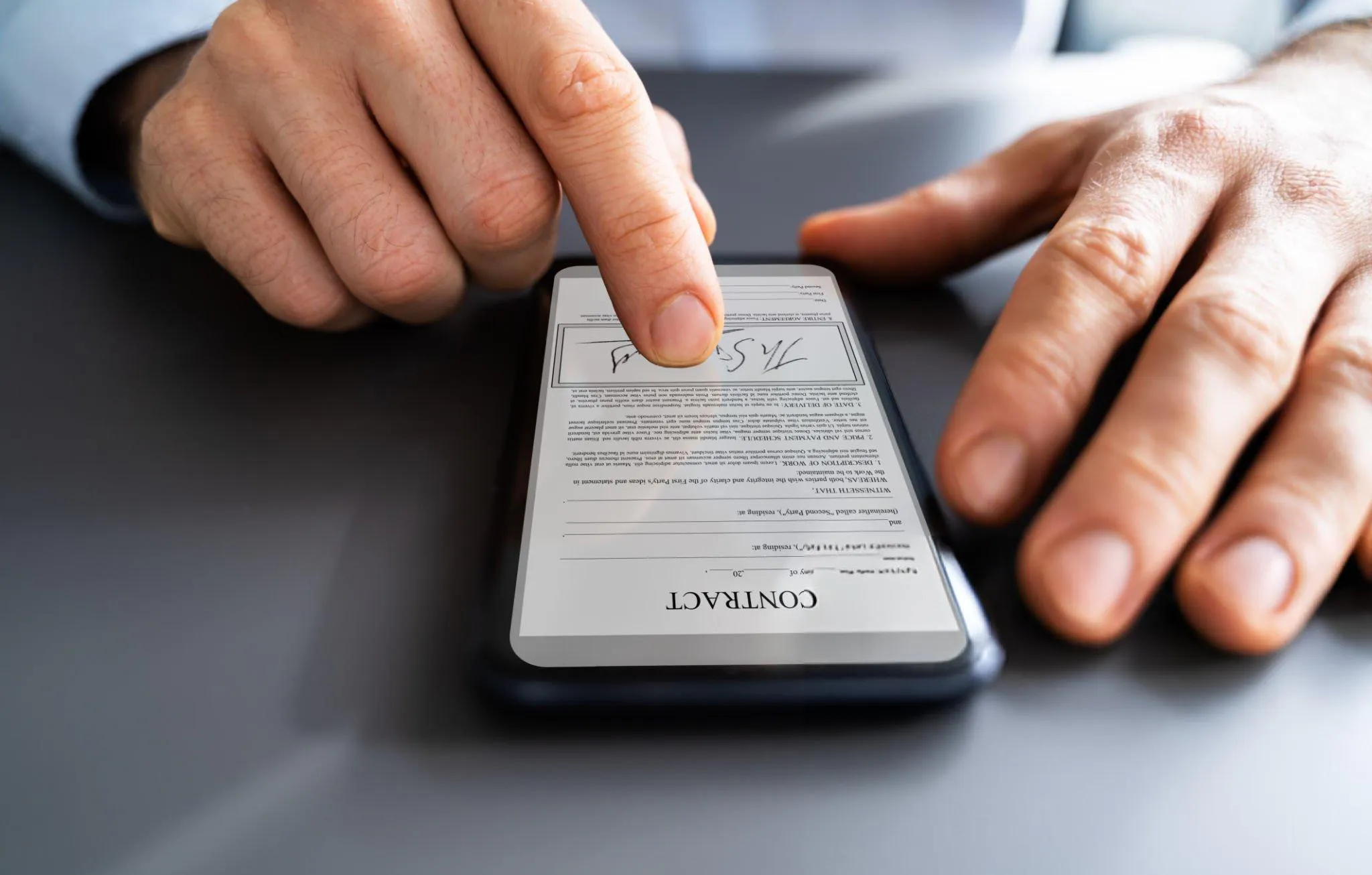
Think about the last contract or form you sent a customer to sign. If it involved printing, scanning, posting, or "just sign it and email it back," you already know how that goes. It sits in someone's inbox for three days, then a week, and the longer it drags on, the more likely the deal cools off entirely.
E-signatures fix that, and they're no longer just for big corporates. For a Perth small business, letting a customer sign on their phone in under a minute is one of the cheapest ways to look professional and close work faster. Here's what they actually do for you and your customers, and how to set them up well.
What customers expect now
People are used to doing everything from their phone, and signing is no exception. What they want is simple: sign anytime, on any device, without printing anything; clear visibility of what they're signing and what happens next; and confidence that their details are handled securely.
Miss those and you get abandoned forms, follow-up phone calls, and the occasional lost job. Meet them and signing stops being the bottleneck.
Where e-signatures actually help
Speed. A paper process can take days. An e-signature takes minutes, often seconds, straight from a phone. That momentum matters: the faster someone can say yes, the less chance they go cold or shop around.
Security and a paper trail. Reputable platforms encrypt documents, verify the signer, and keep an audit trail of who signed what and when. That protects you in a dispute and reassures the customer their information is safe.
Fewer chase-ups. Automatic reminders and status updates mean you're not the one ringing to ask if they've signed yet. Both sides can see where the document is, which kills most "did you get my contract?" emails.
Fewer mistakes. Required fields and format checks stop a form coming back half-finished, so you're not going back and forth fixing it.
Less paper, less cost. No printing, postage, or filing. It's cheaper, and plenty of customers quietly appreciate the lower-waste approach.
How to set it up well
Picking a platform is the easy part. Getting the experience right is what makes customers actually use it.
Choose a tool that integrates with what you already use, your CRM or document storage, so signed documents land where they belong without manual filing. Pre-fill what you already know (name, address, the terms) so the customer isn't retyping details you have. Offer a couple of ways to sign, by email link or on their phone, rather than forcing one method. And send a plain, friendly message explaining why they're signing and what happens next, instead of a bare "please sign attached." Make sure whoever deals with customers can walk someone through it if they get stuck.
The kind of difference it makes
You don't have to take this on faith. A few documented examples:
A North American bank rolled e-signatures out to 8,000 mobile advisers. Document error rates dropped 75%, deals were completed in the first customer meeting instead of needing a second visit, and it saved roughly 16,000 staff hours a year. (OneSpan case study)
A UK homecare prescription service cut prescription turnaround from two weeks to six minutes after replacing paper approvals with e-signatures, getting medication to patients far faster. (esign.co.uk)
These are big operations, but the lesson scales down. The slow, manual signing that costs a bank thousands of hours is the same friction costing a small business a few lost jobs a month. Removing it is just as worthwhile at five staff as at 8,000.
Worth doing
E-signatures are one of those small changes with a return out of proportion to the effort. You sign work up faster, look more professional, spend less time chasing paper, and give customers an experience that matches what they're used to everywhere else.
If your signing process still involves a printer, that's the place to start. We help Perth businesses set up secure, genuinely easy e-signature workflows, and it's usually quicker to sort than people expect.